


이미 소장하고 있다면 판매해 보세요.
- 국내배송만 가능
- 문화비소득공제 가능
책소개
목차
|
Chapter 1
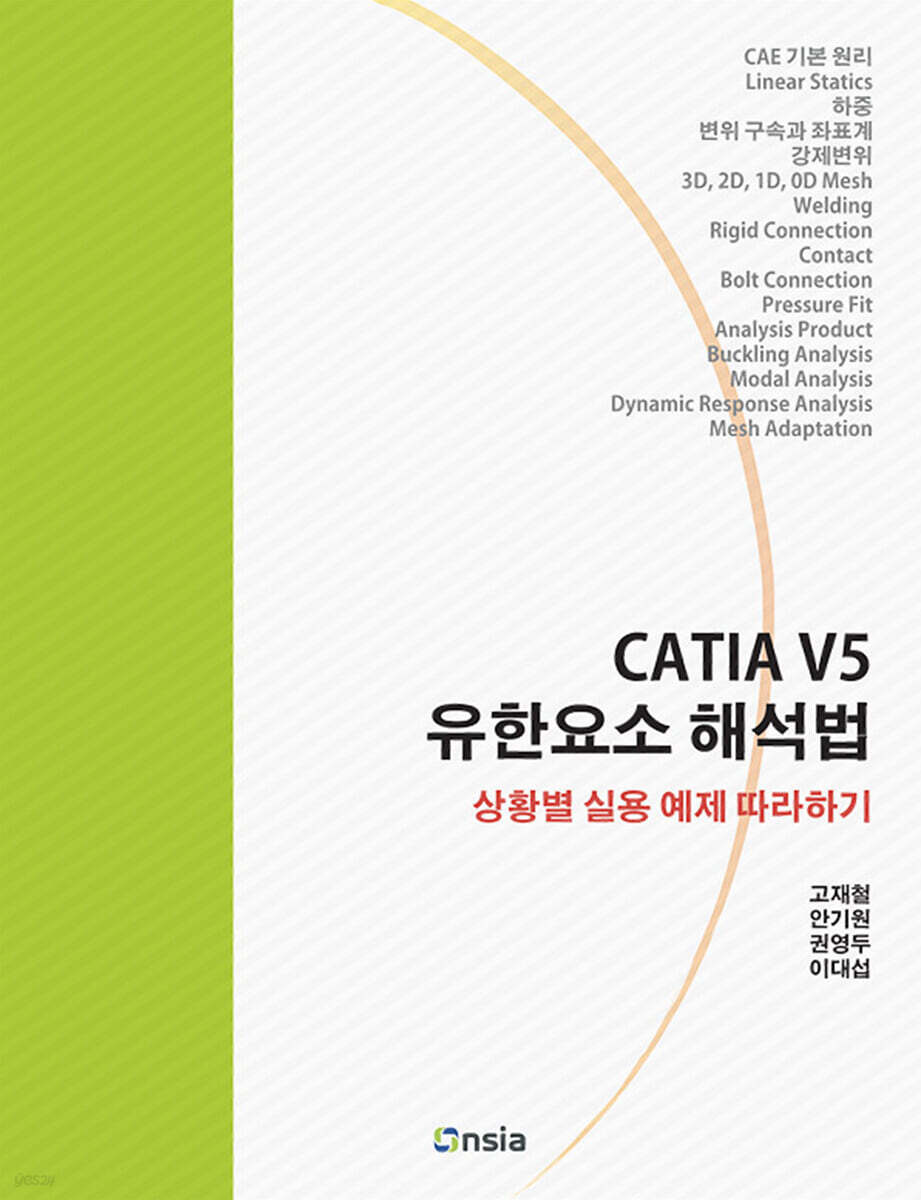
CATIA V5 시작하기 1.1 CATIA V5의 워크벤치 1.2 CATIA V5의 시작 화면 1.2.1 File New 메뉴 이용 1.2.2 Start 메뉴에서 워크벤치 선택 1.3 CATIA V5의 화면 구성 1.3.1 Specification Tree 1.3.2 메뉴바 1.3.3 컴파스 1.3.4 워크벤치 1.3.5 스테이터스바 1.3.6 기준평면 1.3.7 툴바 1.4 화면 조작 1.4.1 화면의 이동 1.4.2 화면 확대/축소 1.4.3 화면의 회전 1.4.4 중심 이동 1.5 뷰 툴바 1.5.1 Pan, Rotate, Zoom In, Zoom Out 1.5.2 Fit All In (그림 1-12 의 ) 1.5.3 Normal View (그림 1-12 의 ) 1.5.4 Create Multi-View (그림 1-12의 ) 1.5.5 뷰 방향 설정(Quick View 툴바) 1.5.6 표시 유형 설정(View Mode 툴바) 1.5.7 Hide/Show (그림 1-12의 ) 1.5.8 Swap visible space (그림 1-12의 ) 1.6 단축키 1.7 시스템 옵션 1.8 메뉴 사용자 정의(Customization) Chapter 2 CATIA V5 모델링 개요 2.1 주요 용어 2.1.1 3차원 모델링 2.1.2 피쳐 기반 모델링 2.1.3 스케치 기반 피쳐 2.1.4 히스토리 기반 모델링 2.2 모델링 과정 개요 2.2.1 모델 파일 생성 2.2.2 첫 번째 스케치 생성 2.2.3 돌출시켜 3차원 형상 만들기 2.2.4 두 번째 형상 생성 2.2.5 추가 모델링 2.2.6 형상 제거 2.3 모델링 단계 요약 2.4 Specification Tree 사용하기 2.5 모델 수정 Chapter 3 Cantilevered Beam 3.1 개요 3.2 모델 생성 3.3 Pre Processing 3.4 Solving 3.5 Post Processing 3.6 결과 분석 3.7 실험과 해석 3.8 용어와 개념 3.8.1 노드, 요소, 요소망, 유한요소 모델 3.8.2 재료의 물성치 3.8.3 응력 (Stress) 3.8.4 변형률 (Strain) 3.8.5 탄성 계수 3.8.6 포아송비 3.8.7 Linear 3.8.8 Statics 3.8.9 안전계수 3.8.10 피로(Fatigue) 3.9 유한요소 모델의 이해 3.10 상용 소프트웨어를 이용한 해석 과정 이해 Chapter 4 Fillet의 효과 4.1 개요 4.2 모델 생성 4.3 필렛 반경이 5mm인 경우 4.3.1 Pre Processing 4.3.2 Solving 4.3.3 Post Processing 4.4 필렛 반경이 10mm인 경우 4.4.1 파트 파일 수정 4.4.2 FE Model 업데이트 4.4.3 Solving 4.5 결과 분석 Chapter 5 보강대 효과 5.1 개요 5.2 보강대가 없는 경우 5.2.1 파일 이름 변경 및 모델 수정 5.2.2 Solving 5.2.3 Post Processing 5.3 보강대가 있는 경우 5.3.1 파일 이름 변경 및 모델 수정 5.3.2 Solving 5.3.3 Post Processing 5.4 결과 분석 5.5 요소의 크기에 대한 고찰 Chapter 6 베어링 하중과 반사대칭 6.1 개요 6.2 모델 생성 6.3 Pre Processing 6.4 Solving 6.5 Post Processing 6.6 다른 하중으로 해석 6.7 결과 분석 Chapter 7 정적 평형과 Singularity 7.1 개요 7.2 모델 생성 7.3 Pre Processing 7.4 Solving 7.5 Post Processing 7.6 결과 분석 Chapter 8 변위 구속에서의 좌표계 이용 8.1 개요 8.2 모델 생성 8.3 메쉬 생성 8.4 경계조건과 하중 생성 8.5 Solving 8.6 Post Processing 8.7 결과 분석 8.8 파괴이론 8.9 원통좌표계를 이용한 변위 표시 Chapter 9 회전 하중과 Cyclic Symmetry 9.1 개요 9.2 모델 생성 9.3 메쉬 생성 9.4 경계조건과 하중 생성 9.5 Solving 9.6 Post Processing 9.7 Full Model에 대한 해석 9.8 결과 분석 9.9 Static Solution Parameters Chapter 10 2D Shell Element 10.1 개요 10.2 모델 생성 10.3 메쉬 생성 10.4 경계조건과 하중 10.5 Solving 10.6 Post Processing 10.7 결과 분석 Chapter 11 1D Beam Element 11.1 개요 11.2 모델 생성 11.3 메쉬 생성 11.4 경계조건과 하중 11.5 Solving 11.6 Post Processing 11.7 결과 분석 11.8 추가 예제 11.9 Analysis Support와 Connection Property 11.9.1 General Analysis Support 11.9.2 Point Analysis Support 11.9.3 Line Analysis Support 11.9.4 Surface Analysis Support 11.9.5 Point to Point Analysis Support 11.9.6 Point Analysis Interface Chapter 12 Seam Weld와 Rigid Connection 12.1 개요 12.2 모델 생성 12.3 메쉬 생성 12.4 연결 생성 12.5 경계조건과 하중 12.6 Solving 12.7 Post Processing 12.8 결과 분석 Chapter 13 Mesh의 연결성 13.1 개요 13.2 모델 생성 13.3 메쉬 생성 13.4 경계조건과 하중 13.5 Solving 13.6 Post Processing 13.7 추가 연습 1 13.8 추가 연습 2 Chapter 14 강제 변위 14.1 개요 14.2 모델 생성 14.3 메쉬 생성 14.4 경계조건과 하중 14.5 Solving 14.6 Post Processing 14.7 결과 분석 Chapter 15 접촉과 Bolt Connection 15.1 개요 15.2 모델 생성 15.3 메쉬 생성 15.4 메쉬 연결 설정 15.5 경계조건과 하중 15.6 Solving 15.7 Post Processing 15.8 FE 모델 수정 15.9 결과 분석 Chapter 16 Pressure Fit과 Bolt Connection 16.1 개요 16.2 파트 생성 16.3 프러덕트 생성 16.4 메쉬 생성 16.5 메쉬 연결 설정 16.6 경계 조건과 하중 16.7 Solving 16.8 Post Processing 16.9 결과 분석 Chapter 17 Alternator Bracket 17.1 개요 17.2 모델 생성 17.3 메쉬 생성 17.4 메쉬 연결 설정 17.5 경계조건과 하중 생성 17.6 Solving 17.7 Post Processing Chapter 18 온도 효과를 이용한 억지끼움 해석 18.1 개요 18.2 Bushing의 팽창 18.3 억지끼움 해석 18.4 결과 분석 Chapter 19 Analysis Product와 Seam Welding 19.1 개요 19.2 FE 모델 생성 19.2.1 파트의 FE 모델 19.2.2 Analysis Product 생성 19.3 경계조건과 하중 19.4 Solving 19.5 Post Processing 19.6 추가 연습 Chapter 20 Buckling 해석 20.1 개요 20.2 모델 생성 20.3 메쉬 생성 20.4 경계조건과 하중 20.5 Solving 및 결과 확인 20.6 Buckling 해석 20.7 횡하중에 대한 Buckling 해석 20.8 결과 분석 Chapter 21 모우드 해석 (Modal Analysis) 21.1 개요 21.2 모델 생성 21.3 메쉬 생성 21.4 경계조건 생성 21.5 Solving 및 결과 확인 Chapter 22 동적 응답 해석 (Dynamic Response Analysis) 22.1 개요 22.2 Case 생성 22.2.1 Static Case 22.2.2 Dynamic Response Case 22.3 Load Excitation 22.3.1 Time Modulation 22.3.2 Load Excitation 22.4 Damping 22.5 Response Solution 설정 22.6 Compute 22.7 결과 표시 22.7.1 변위(Displacement) 22.7.2 속도(Velocity) Chapter 23 Automatic Mesh Adaptation 23.1 개요 23.2 모델 생성 23.3 메쉬 생성 23.4 경계조건과 하중 생성 23.5 Solving과 결과 확인 23.6 Mesh Adaptivity 설정 및 Adaptation 수행 23.7 결과 분석 |
품목정보
- 발행일
- 2024년 07월 23일
- 쪽수, 무게, 크기
- 쪽수확인중 | 크기확인중
- ISBN13
- 9788994960401
사락 별점0
혜택 및 유의사항밑줄0
혜택 및 유의사항
32,400원
총 1개
32,400원
