
소득공제
수입
직수입양서
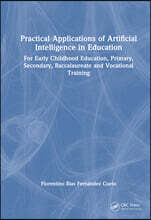
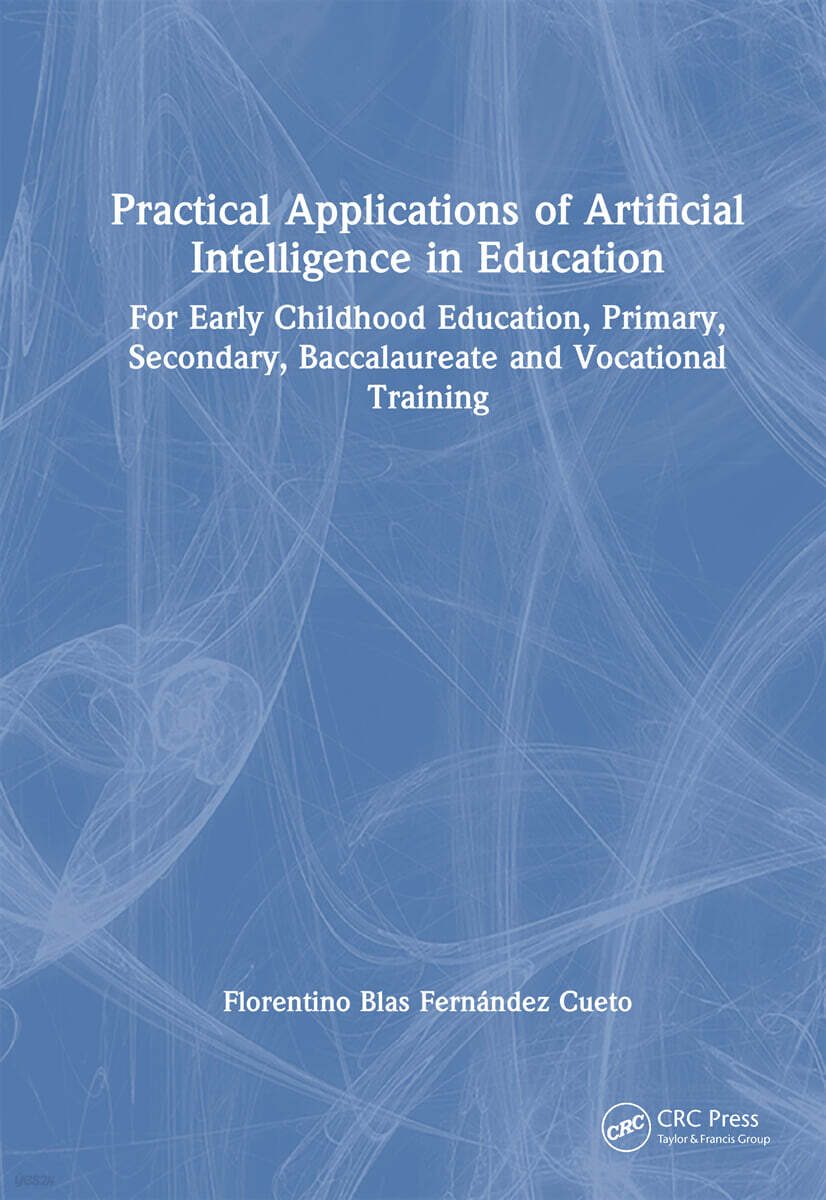
Practical Applications of Artificial Intelligence in Education
For Early Childhood Education, Primary, Secondary, Baccalaureate and Vocational Training
Hardback, 1st Edition
Florentino Blas Fernández Cueto
CRC Press
2026.10.16.
- 국내배송만 가능
- 해외 거래처 사정에 의하여 품절/지연 가능
- 도서 정보 중 미표기 사항 안내?
- 문화비소득공제 가능
책소개
목차
|
CHAPTER 1 – UNDERSTANDING AI FOR EDUCATION CHAPTER 2 – INITIAL CONSIDERATIONS 2.1 QR codes: Your keys to more resources 2.2 Activity 1: Presentation of the book by Cervantes 2.3 Key AI terms for better understanding 2.4 Gmail account: Your universal passport 2.5 Google Drive: Your personal file cabinet in the cloud (and it's free!) 2.6 Assistants for each educational level CHAPTER 3 – PREPARING THE WORK ENVIRONMENT 3.1 Using AI on a mobile phone 3.2 Using AI on a computer 3.3 Activity 2: Creating an email account 3.4 Activity 3: Creating folders in Google Drive 3.5 Organising AI apps on your mobile phone 3.6 Limitations of AI tools 3.7 Ethics and security: A necessary reminder CHAPTER 4 – FIRST STEPS WITH AI 4.1 AI assistant for education 4.2 Activity 4: Installing Expert AI on your mobile phone 4.3 Activity 5: How to use Expert AI 4.3.1 Activity 5.1: Creating a story for early childhood education 4.3.2 Activity 5.2: Interactive exercise for primary school 4.3.3 Activity 5.3: Summary of the French Revolution in secondary school 4.3.4 Activity 5.4: Study of thermodynamics in sixth form 4.3.5 Activity 5.5: Team management in vocational training 4.4 How to improve the educational assistant's responses 4.5 Activity 6: Using documents with Expert\_IA 4.6 OpenAI artificial intelligence 4.7 Activity 7: Installing the Chat-GPT app 4.8 How to create an educational activity using AIs on your mobile CHAPTER 5 – INSTALLING AIs ON A MOBILE AND A PC 5.1 Preparing the web browser 5.2 Activity 8: Configuring Google Chrome 5.3 Other AI tools for education 5.4 Comparative table of three educational AIs 5.5 Activity 9: Installing Perplexity AI 5.6 Activity 10: Installing NotebookLM AI 5.7 Activity 11: Installing the Brisk Teaching plug-in CHAPTER 6 – CREATING EDUCATIONAL DOCUMENTATION WITH AIs 6.1 How to write a good prompt to generate documentation with AI 6.2 Activity 12: Online educational prompt generator Example of creating an activity for primary school 6.3 Educational assistant for students with SEN 6.4 Activity 13: Adapting an educational activity to a student with SEN 6.5 Ideas on how to use and combine these AIs in education 6.5.1 Before class: Preparing materials 6.5.2 During class: Application and facilitation 6.5.3 After class: Evaluation and improvement 6.6 Preparing a class for secondary school students 6.6.1 Activity 14: Using ChatGPT together with Expert\_IA 6.6.2 Activity 15: Using Perplexity AI and Brisk Teaching 6.6.3 Activity 16: Using NotebookLM 6.7 Other artificial intelligences for generating documentation CHAPTER 7 – CREATING AUDIOVISUAL AND INTERACTIVE MATERIALS 7.1 Generating images with artificial intelligence 7.2 Activity 17: Creating a realistic image of a historical figure 7.3 Activity 18: How to create a lesson cover 7.4 Working with voices and music with AIs 7.5 Activity 19: Generating a voice for Philip V |
품목정보
- 발행 예정일
- 미정
- 쪽수, 무게, 크기
- 114쪽 | 180*250mm
- ISBN13
- 9781041330929
리뷰/한줄평0
상품정보안내
직수입외서의 경우, 해외거래처에서 제공하는 정보가 부족하여 제목, 표지, 가격, 유통상태 등의 정보가 미비하거나 변경되는 경우가 있습니다. 정확한 확인을 원하시는 경우, 일대일 상담으로 문의하여 주시면 답변 드리겠습니다.
(판형과 판수 등이 다양한 도서는 찾으시는 도서의 ISBN을 알려 주시면 보다 빠르고 정확한 안내가 가능합니다.)
해외거래처에서 품절인 경우, 2차 거래선을 통해 유럽과 미국 출판사로 직접 수입이 진행될 수 있습니다.
수입 진행 시점으로 부터 2~3주가 추가로 소요되며, 해외에서도 유통이 원활하지 않은 도서는 품절 안내가 지연될 수 있습니다.
해당 경우, 문자와 메일로 별도 안내를 드리고 있사오니 마이페이지에서 휴대전화번호와 메일주소를 다시 한번 확인해주시기 바랍니다.
(판형과 판수 등이 다양한 도서는 찾으시는 도서의 ISBN을 알려 주시면 보다 빠르고 정확한 안내가 가능합니다.)
해외거래처에서 품절인 경우, 2차 거래선을 통해 유럽과 미국 출판사로 직접 수입이 진행될 수 있습니다.
수입 진행 시점으로 부터 2~3주가 추가로 소요되며, 해외에서도 유통이 원활하지 않은 도서는 품절 안내가 지연될 수 있습니다.
해당 경우, 문자와 메일로 별도 안내를 드리고 있사오니 마이페이지에서 휴대전화번호와 메일주소를 다시 한번 확인해주시기 바랍니다.
