
소득공제
EPUB
eBook
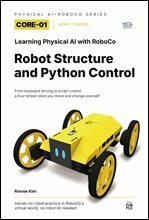
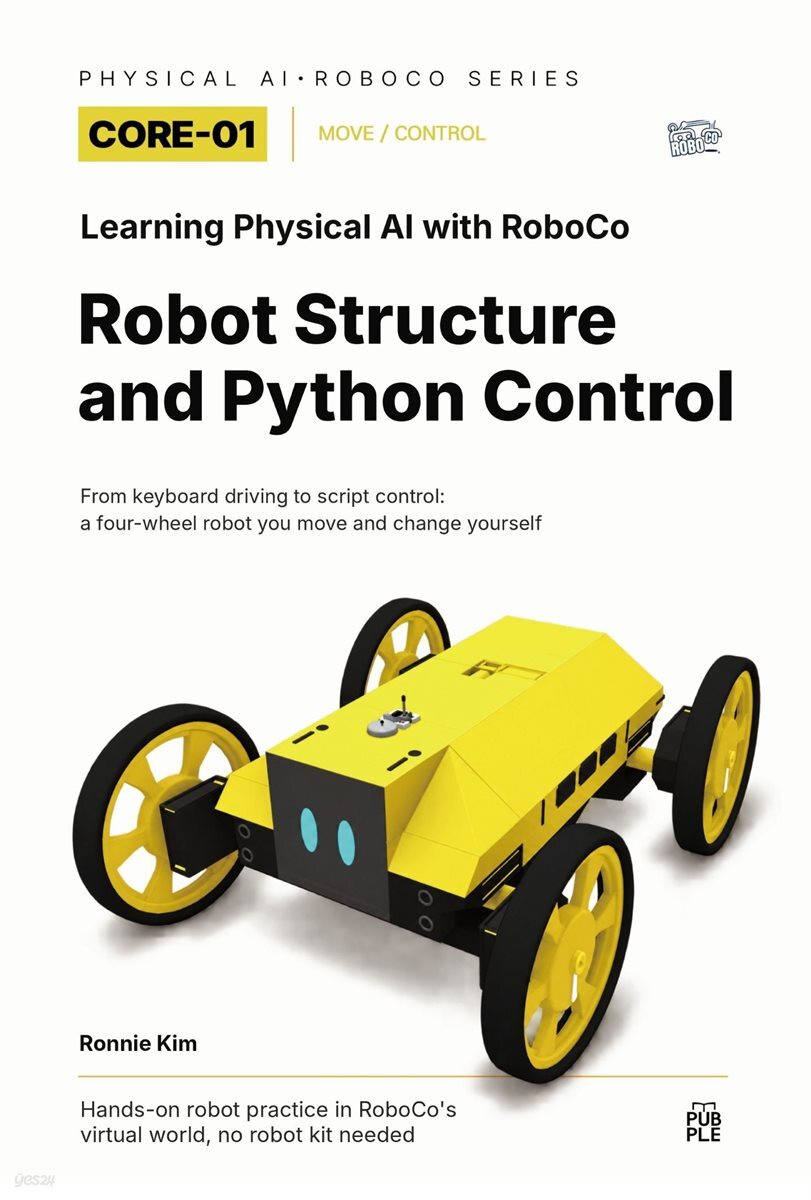
Learning Physical AI with RoboCo: Robot Design and Python Control
From Keyboard Controls to Python Scripts: Drive, Modify, and Test a Four-Wheel Robot
EPUB
작가와
2026.10.26.
소개
목차
|
PART 1. EXPERIENCE ? Start by Moving the Robot
CHAPTER 01. How Do You Move a Robot with Controls Mapping? CHAPTER 02. What Changes When You Control the Same Key Through a Script? CHAPTER 03. With the Same Target RPM, How Does Terrain Affect Motion? CHAPTER 04. What Do Keyboard Inputs and the Robot's Responses Look Like? CHAPTER 05. Can the Robot Travel to a Location, Display Information, and Return? * PART 2. UNDERSTAND ? How Robot Motion Works CHAPTER 06. What's the Difference Between a Motor That Drives a Wheel and One That Steers It? CHAPTER 07. How Do You Find the Right Part When Several Motors Look Alike? CHAPTER 08. How Does the Same W Key Reach Two Different Robots? CHAPTER 09. Why Don't Motor Commands Always Match Actual Motion? CHAPTER 10. What Motions Can Four Wheel Directions Create Together? * PART 3. CONTROL ? Change Values and Actions CHAPTER 11. What's the First Value You Should Change in Code? CHAPTER 12. How Does a Script Read Keyboard Input? CHAPTER 13. How Do You Combine Four DC Motors into One Driving Function? CHAPTER 14. How Do You Set the Motion Limits of the Wheels and Screen? CHAPTER 15. How Can You Tell What the Robot Is Doing Right Now? * PART 4. EXPERIMENT ? Change Conditions and Compare Results CHAPTER 16. Which Conditions Must Stay the Same for a Fair Comparison? CHAPTER 17. Does Spinning the Wheels Faster Help the Robot Climb a Hill? CHAPTER 18. Where Should You Look First When Steering Is Off or the Chassis Shakes? CHAPTER 19. Why Does the Robot Keep Moving After a Stop Command? CHAPTER 20. How Do Manual Controls and Script-Based Control Compare? * PART 5. PROJECT ? Complete and Improve the Mission CHAPTER 21. Who Is the Robot Guiding, and What Information Should It Display? CHAPTER 22. How Do You Combine Driving, Turning, and Stopping into One Route? CHAPTER 23. How Do You Connect Motion and Information Display in One State Flow? CHAPTER 24. Can the Robot Restart After Moving Unexpectedly? CHAPTER 25. Final Mission: The Mobile Information Guide Robot |
저자 소개
Ronnie Kim is a full-stack software engineer and senior software/hardware architect with more than 20 years of experience in software development. His work spans software architecture, technical evaluation, new feature planning, and AI-driven business and development transformation.
He has also spent more than two decades studying robotics, including robot design and control, sensors, motors, actuators, and the connections between software and hardware. He previously competed in robotics competitions and received awards. His current work explores how sensing, system state, decision-making, control, actuation, and feedback come together in physical AI and robotic systems.
His teaching approach starts with a working robot. Instead of introducing complex theory or long programs first, he encourages learners to observe movement, trace it back to controls and code, change one parameter at a time, and compare the results.
He writes practical books about AI, robotics, software development, and technology education. His previously published books in Korean cover AI-era education, software careers, Arduino-based environmental sensing, and game-based learning with Entry and Arduino.
Author website: https://ronniekimbooks.com/
He has also spent more than two decades studying robotics, including robot design and control, sensors, motors, actuators, and the connections between software and hardware. He previously competed in robotics competitions and received awards. His current work explores how sensing, system state, decision-making, control, actuation, and feedback come together in physical AI and robotic systems.
His teaching approach starts with a working robot. Instead of introducing complex theory or long programs first, he encourages learners to observe movement, trace it back to controls and code, change one parameter at a time, and compare the results.
He writes practical books about AI, robotics, software development, and technology education. His previously published books in Korean cover AI-era education, software careers, Arduino-based environmental sensing, and game-based learning with Entry and Arduino.
Author website: https://ronniekimbooks.com/
품목정보
- 발행일
- 2026년 10월 26일
- 지원기기
- 크레마,PC(윈도우 - 4K 모니터 미지원),아이폰,아이패드,안드로이드폰,안드로이드패드,전자책단말기(저사양 기기 사용 불가),PC(Mac)
- 파일/용량
- EPUB(DRM) | 48.31MB ?
- 글자 수/ 페이지 수
- 약 22.9만자, 약 4.3만 단어, A4 약 144쪽 ?
- ISBN13
- 9791143831668
