
이미 소장하고 있다면 판매해 보세요.
- 국내배송만 가능
- 문화비소득공제 가능
책소개
목차
|
Chapter 1. Assembly(조립)
1강 강의소개 : Assembly(조립)에 대한 개괄적인 설명, 조립환경, Project설정 2강 Assembly : View 단축키(Shortcut commands) 3강 작업화면 제어을 위한 Mouse 사용법 및 회전 중심점 재설정 방법 4강 Assembly 부품(Component) 불러오기, 부품이동 및 회전 5강 채결구속1 : Mate Constraint 6강 채결구속2 : Angle Constraint 7강 채결구속3 : Tangent, Insert, Symmetry Constraint 8강 SpurGear생성 및 조립, Motion Assembly, Contact Set 9강 HelicalGear생성 및 조립, Motion Assembly, Contact Set 10강 WormGear생성 및 조립, Motion Assembly, Contact Set 11강 BevelGear생성 및 조립, Motion Assembly, Contact Set 12강 이동(Transitional)구속 13강 UCS구속(Constraint Set), Bolted Connection활용법 14강 조립실습 : Constraint명령을 활용한 Clamper Assembly 15강 조립실습 : Joint명령을 활용한 Clamper Assembly 16강 조립실습 : Assemble명령을 활용한 Clamper Assembly 17강 패턴(Pattern), 대칭복사(Mirror), 복사(Copy) 18강 하위 어셈블리(Sub Assembly)의 유연화(Flexible), 가변화(Adaptive) 개념설명 19강 가변화(Adaptive)기능을 활용한 스프링 구현및 부품위치에 따른 해결방법 20강 Create명령활용 : New Part, New Assembly 추가 및 관리방법 21강 하위어셈블리(Sub Assembly)관리방법 22강 Replace(부품대치) 23강 Representation기능 : View 활용법 24강 Representation기능 : Position 활용법 25강 Representation기능 : Level of Detail 활용법 26강 분해도(Exploded View), 스냅샷(Snapshot) 27강 탑다운 설계방식(Top-Down Method) : 멀티바디(Multi-Body) 기법 28강 탑다운 설계방식(Top-Down Method) : 매개변수(Parameter) 기법 29강 탑다운 설계방식(Top-Down Method) : 파생(Derive)을 활용한 매개변수(Parameter) 기법 30강 Pack and Go 명령 Chapter 2. Drawing(도면) 31강 Inventor Drawing 환경 소개 32강 단품(Part)의 View Representation 생성및 도면활용방법 33강 조립품(Assembly)의 View Representation 생성및 도면활용방법 34강 Base View, Projected View 35강 Auxiliary View, Section View 36강 Detail View, Overlay View 37강 Break View, Break Out View 38강 Slice View, Crop View 39강 Default Standard(ISO) 스타일 라이브러리를 3각법으로 변경하는 방법 40강 Annotate탭 : 치수(Dimension)을 기입하는 다양한 방법 41강 Annotate탭 : Feature Notes, Hole, General Table, Text 활용법 42강 도면작성을 위한 스타일 라이브러리 설정방법 43강 등각뷰(3차원 형상)에 치수를 기입하는 방법 44강 Ballon과 Parts List기능을 활용한 BOM생성 45강 Drawing Template 생성 및 활용법 |
저자 소개 1
연세대학교 대학원(환경공학전공) 졸업. (전) 경기도청, 안양시청, 의왕시청등 공무원교육 강사. (전) 건양대학교 시각커뮤니케이션디자인학과 외래교수. (전) 서울보건대학 컴퓨터학과 외래교수. (현) 신중앙컴퓨터학원 원장. (현) 카티아, 솔리드웍스, UG, 인벤터 국비지원과정 전임강사. (현) 가천대학교 기계자동차공학과 Catia 특강 강사. 저서로 『동영상으로 배우는 CATIA Knowledgeware(지식기반설계)』, 『동영상으로 배우는 SolidWorks 2013』, 『동영상으로 배우는 인벤터 프로페셔널 2013』, 『동영상으로 배우는 SolidWorks 2012 3D 고급
연세대학교 대학원(환경공학전공) 졸업. (전) 경기도청, 안양시청, 의왕시청등 공무원교육 강사. (전) 건양대학교 시각커뮤니케이션디자인학과 외래교수. (전) 서울보건대학 컴퓨터학과 외래교수. (현) 신중앙컴퓨터학원 원장. (현) 카티아, 솔리드웍스, UG, 인벤터 국비지원과정 전임강사. (현) 가천대학교 기계자동차공학과 Catia 특강 강사. 저서로 『동영상으로 배우는 CATIA Knowledgeware(지식기반설계)』, 『동영상으로 배우는 SolidWorks 2013』, 『동영상으로 배우는 인벤터 프로페셔널 2013』, 『동영상으로 배우는 SolidWorks 2012 3D 고급 모델링』, 『동영상으로 배우는 CATIA V5 Assembly와 Drafting Workbench』, 『동영상으로 배우는 CATIA와 Audi R8 모델링』, 『동영상으로 배우는 SolidWorks와 Audi R8 모델링』, 『동영상으로 배우는 Catia 곡면 모델링 예제집』, 『동영상으로 배우는 SolidWorks 2012』, 『동영상으로 배우는 CATIA V5 R19 Generative Shape Design Workbench』, 『동영상으로 배우는 CATIA V5 R19 Part Design Workbench』, 『동영상으로 배우는 CATIA V5 R19 Sketcher Workbench』가 있다.
관련 분류
- 카테고리 분류
품목정보
- 발행일
- 2021년 04월 12일
- 쪽수, 무게, 크기
- 1쪽 | 135*192*10mm
- ISBN13
- 9788969961464
출판사 리뷰
|
※ 전체 동영상 강좌시간은 14시간 11분 입니다.
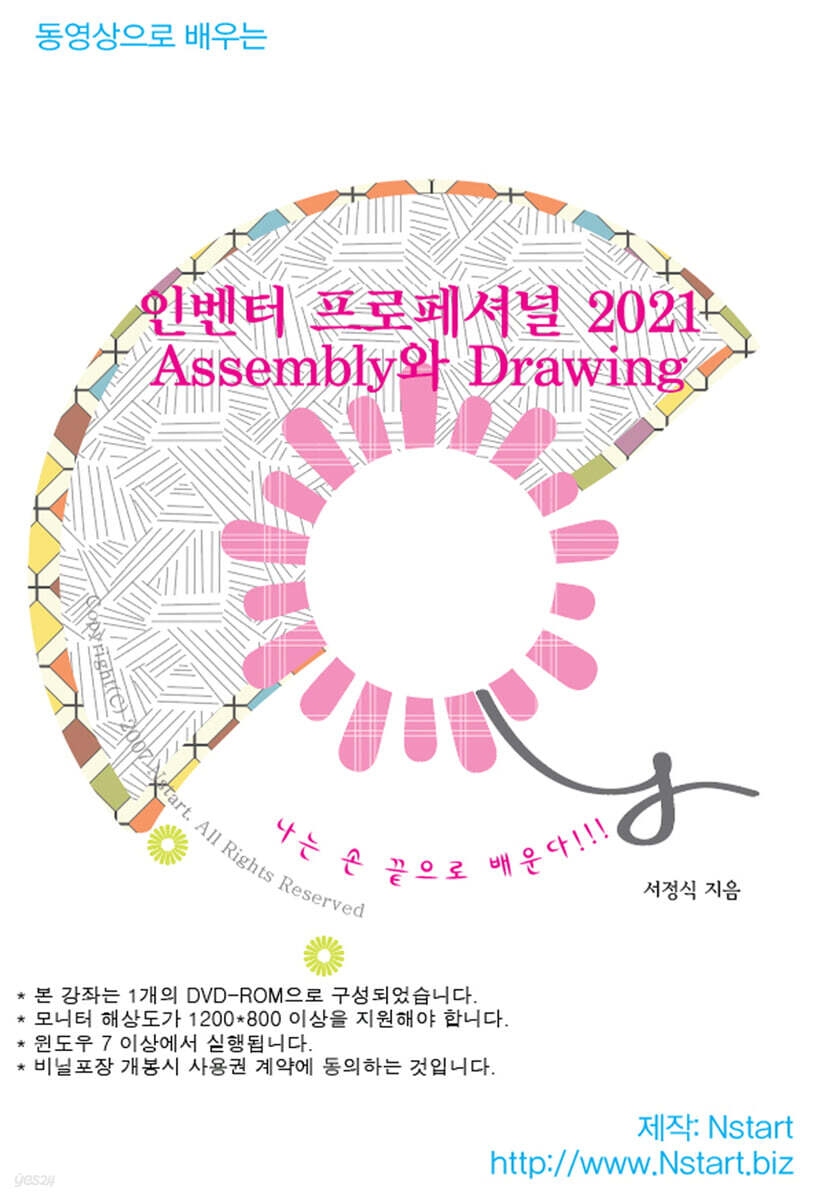
※ 본 강좌는 1개의 DVD-ROM으로 구성되었습니다. ※ 모니터 해상도가 1280*800 이상을 지원해야 합니다. ※ 윈도우 XP 이상에서 실행됩니다. |