
- PDF 안내
-
이 상품은 구매 후 지원 기기에서 예스24 eBook앱 설치 후 바로 이용 가능한 상품입니다.
소개
목차
|
CHAPTER 0 Before Start0.1 운영 체제0.2 화면 구성0.3 What is SIMPLIS?CHAPTER 1 SIMetrixTutorial 1. Getting StartTutorial 2. Creating a Schematic and Running a SimulationTutorial 3. Using the Waveform ViewerTutorial 4. A Simple Ready to Run CircuitTutorial 5. A Simple SIMetrix CircuitTutorial 6. Installing Third Party ModelsCHAPTER 2 SIMPLIS1. SIMetrix/SIMPLIS Environment1.1 Setting General Options1.2 Showing the Part Selector1.3 Setting up the User Interface for the Tutorial1.4 Creating a New Schematic1.5 Saving your Schematic1.6 Add Working Directory to the File View2. Entering the Design2.1 Add Symbols and Wires2.2 Edit Standard Component Values2.3 Edit Multi-Level Models2.4 Save your Schematic2.5 Change to a User-defined Model3. Simulating the Design3.1 Set up a Transient Simulation3.2 Set up a POP Analysis3.3 Set up an AC Analysis4. Managing Simulation Output4.1 Output Curves to Separate Grids4.2 Reorder the Graph Grids4.3 Define Waveform Persistence4.4 Add Scalar Measurements to Output Curves4.5 Add Scalar Measurements to Probes5. Building High-Level Models5.1 Building a Compensator5.2 Set up a Load Transient Simulation5.3 Creating Hierarchical Schematics5.4 Using Schematics ComponentsCHAPTER 3 DVM1. Introduction: What is DVM?2. Getting Started3. Configuring the Schematic for DVM3.1 Editing the Schematic3.2 Selecting a Built-In Testplan3.3 Viewing the Output Report4. Adding Curves and Measurements4.1 Adding Curves from Existing Probes4.2 Adding Scalar Measurements5. Running Built-In Testplans5.1 Running the Built-In Efficiency Testplan5.2 Running the Line and Load Testplan6. Customizing Testplans6.1 Using the Var() and GlobalVar() Functions6.2 Using the Change() Function6.3 Using Jumpers6.4 Suppress Testplan Entries6.5 Promote Testplan Entries6.6 Create Testplan Entries7. Scripting7.1 Debugging Scripts7.2 Pre-Process Scripts7.3 Post-Process and Final-Process Scripts7.4 User-Defined Scalar and Spec Values7.5 Running the Testplan7.6 Built-In Testplan Editor8. Applications8.1 Adding Power Losses to a Testplan8.2 Measuring Control Loop Parameters9. Tutorial SummaryCHAPTER 4 SIMPLIS MDM1. Getting Started with the SIMPLIS MDM Tutorial1.1 Focus of the MDM Tutorial1.2 Before you begin2. Buck Converter Inductor Design2.1 Buck Converter Circuit and Inductor2.2 SIMPLIS MDM Overview2.3 Design an Inductor Using MDM2.4 Refine the Inductor Design Using MDM2.5 Change the Cooling Parameters in MDM3. PFC Inductor Considerations3.1 PFC Circuit and Inductor3.2 Waveform Shapes Recognized by MDM3.3 Determine the Inductor Waveform Shapes and Frequency3.4 Run the Simulation and MDM Post-Processing4. Flyback Converter Transformer Design4.1 Multi-Level Lossy Transformer4.2 Design a Transformer in SIMPLIS MDM4.3 Load a Different Transfomer Design4.4 Virtual Winding Machine View
|
저자 소개 6
현재 한경대학교 전기공학과 교수로, 한양대학교 전기공학과에서 학사, 석사 및 박사 학위를 취득했으며, 1994년부터 1996년까지 서남대학교 전기공학과 교수로 재직했다. 한국에너지기술평가원에서 지원받는 인력양성사업 센터장을 수행했다. 2015년부터 2017년까지 공과대학장을 역임했고, 2018년 미국 콜로라도 덴버 대학교에서 객원 교수를 역임했다. 현재 대한전기학회 종신회원이며, 2022년 전력전자학회장으로 활동하고 있다. 주요 연구 분야는 현대제어이론을 이용한 전력변환기제어이다. 저서(공저)로는 『전력전자회로 해석』 (복두출판사, 2019), 『전기기기』 (태영문화사, 2011
현재 한경대학교 전기공학과 교수로, 한양대학교 전기공학과에서 학사, 석사 및 박사 학위를 취득했으며, 1994년부터 1996년까지 서남대학교 전기공학과 교수로 재직했다. 한국에너지기술평가원에서 지원받는 인력양성사업 센터장을 수행했다. 2015년부터 2017년까지 공과대학장을 역임했고, 2018년 미국 콜로라도 덴버 대학교에서 객원 교수를 역임했다. 현재 대한전기학회 종신회원이며, 2022년 전력전자학회장으로 활동하고 있다. 주요 연구 분야는 현대제어이론을 이용한 전력변환기제어이다. 저서(공저)로는 『전력전자회로 해석』 (복두출판사, 2019), 『전기기기』 (태영문화사, 2011), 역서(공역)로는 『현대 전력전자공학』 (한빛아카데미, 2011), 『공학수학(5판)』 (한티미디어, 2019)이 있다.
이택기의 다른 상품
인터그래텍 솔루션사업부 이사
인터그래텍 솔루션사업부 과장
경북대학교 에너지공학부 교수
한양대학교 전기공학과에서 학사 및 석사 학위를 취득했으며, 2009년에 미국 버지니아 공과대학교 전기컴퓨터공학과에서 박사 학위를 받았다. 1999년부터 2004년까지 (주)효성 중공업연구소에서 선임연구원으로 근무했으며, 2009년부터 미국 실리콘벨리에 위치한 National Semiconductor(현 Texas Instrument)에서 박사후 책임연구원으로 재직했다. 2010년부터 한양대학교 서울캠퍼스에서 전기·생체공학부 교수로 재직 중이다. 지금까지 SCI급 최저명 논문 50여 편을 비롯한 200여 편의 논문을 출간했으며 해외 특허 5편을 비롯한 50여 편의 국내외 특허를 출
한양대학교 전기공학과에서 학사 및 석사 학위를 취득했으며, 2009년에 미국 버지니아 공과대학교 전기컴퓨터공학과에서 박사 학위를 받았다. 1999년부터 2004년까지 (주)효성 중공업연구소에서 선임연구원으로 근무했으며, 2009년부터 미국 실리콘벨리에 위치한 National Semiconductor(현 Texas Instrument)에서 박사후 책임연구원으로 재직했다. 2010년부터 한양대학교 서울캠퍼스에서 전기·생체공학부 교수로 재직 중이다. 지금까지 SCI급 최저명 논문 50여 편을 비롯한 200여 편의 논문을 출간했으며 해외 특허 5편을 비롯한 50여 편의 국내외 특허를 출원했다. 저서로는 『전력전자회로해석(2판)』 (복두출판사, 2024) 등이 있다.
김래영의 다른 상품
대진대학교 에너지공학부 교수
품목정보
- 발행일
- 2024년 11월 04일
- 지원기기
- 크레마, PC(윈도우 - 4K 모니터 미지원), 아이폰, 아이패드, 안드로이드폰, 안드로이드패드, 전자책단말기(저사양 기기 사용 불가), PC(Mac)
- 파일/용량
- PDF(DRM) | 14.69MB ?
- 글자 수/ 페이지 수
- 약 436쪽 ?
- ISBN13
- 9791166755613
출판사 리뷰
|
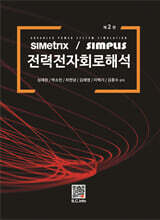
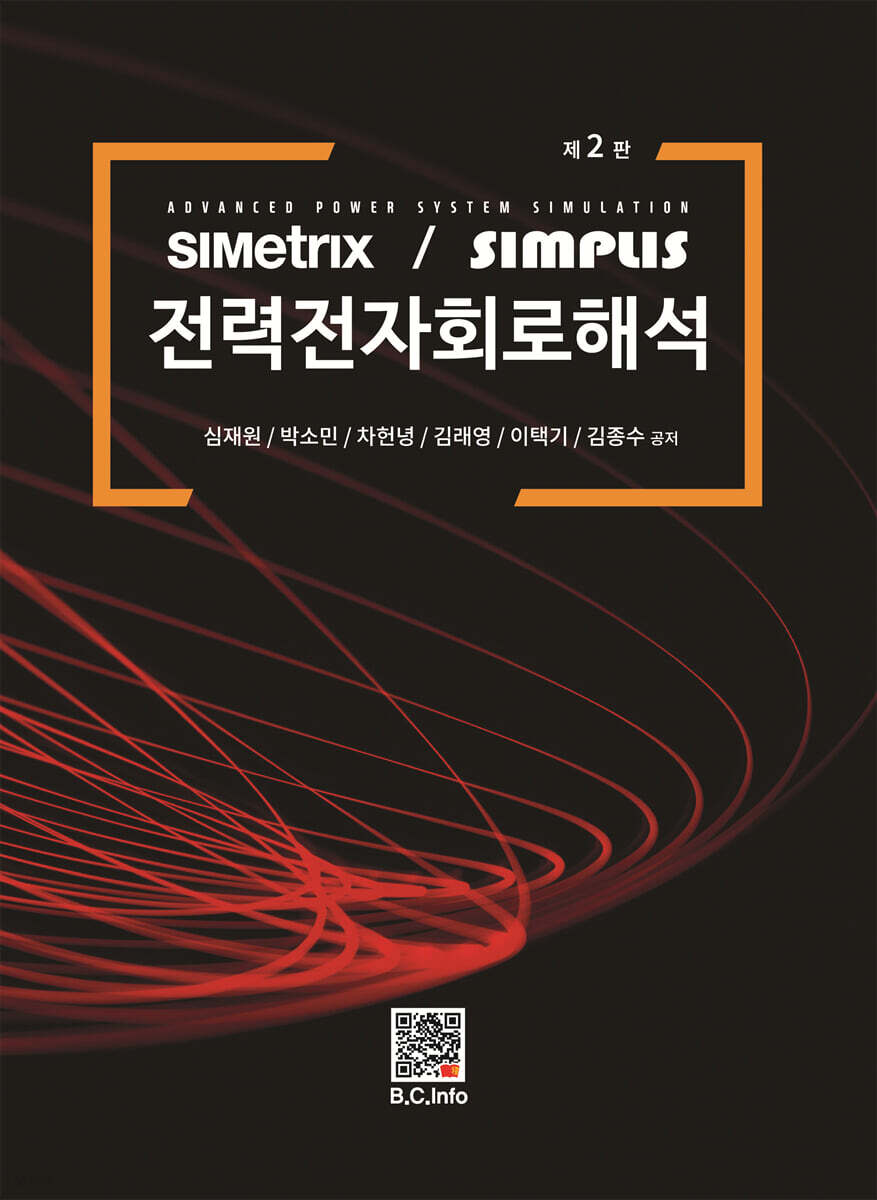
이 책은 SIMetrix/SIMPLIS Simulation Software의 교육과정에서 발췌하여 작성하였습니다. 책을 쓰면서 어떻게 하면 이 내용을 쉽게 전달할 수 있을까? 이 부분에서 빠진 내용은 없을까? 고민도 많았지만 처음 SIMetrix/SIMPLIS Simulation을 공부한다는 마음 가짐으로 작성하였습니다.SIMetrix/SIMPLIS Simulation을 기술지원할 때부터 노트를 했던 사항들과 질문에 답한 내용들을 하나씩 추가하면서 이 책이 완성되었습니다. 일부분은 영문으로 된 내용을 번역하였고 일부분은 강의 내용을 추가하였습니다.이 책은 전력전자를 연구하는 엔지니어 또는 이것을 공부하는 학생들에게 많은 도움을 줄 것이라고 확신합니다. 현재까지 사용되고 있는 SPICE 나 전력전자 Simulation software 보다 빠르고 정확한 Simulation입니다. 저는 이 분석 Software가 전력전자 발전에 도움이 될 것이라고 확신합니다.이번에는 지난번에 부족했던 부분과 신 기능 및 MDM Module에 대하여 기술하였고 사용자가 보다 더 알기 쉽게 사용할 수 있도록 꾸며보았습니다. 언제든지 문의사항이 있으시면 문의하여 주세요.마지막으로 이 책을 쓰면서 많은 도움을 주신 인터그레텍 김응연 대표님과 Mr. Tom Wilson 그리고 같이 애써 주신 여러 교수님들과 마지막까지 오타와 Upgrade 된 도표 관련하여 많은 시간을 할애하여 주신 박소민 동료에게 고마운 마음을 전합니다.
|
