
이미 소장하고 있다면 판매해 보세요.
- 국내배송만 가능
- 문화비소득공제 가능
책소개
목차
|
Chapter 1 시작하기
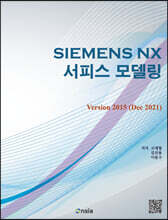
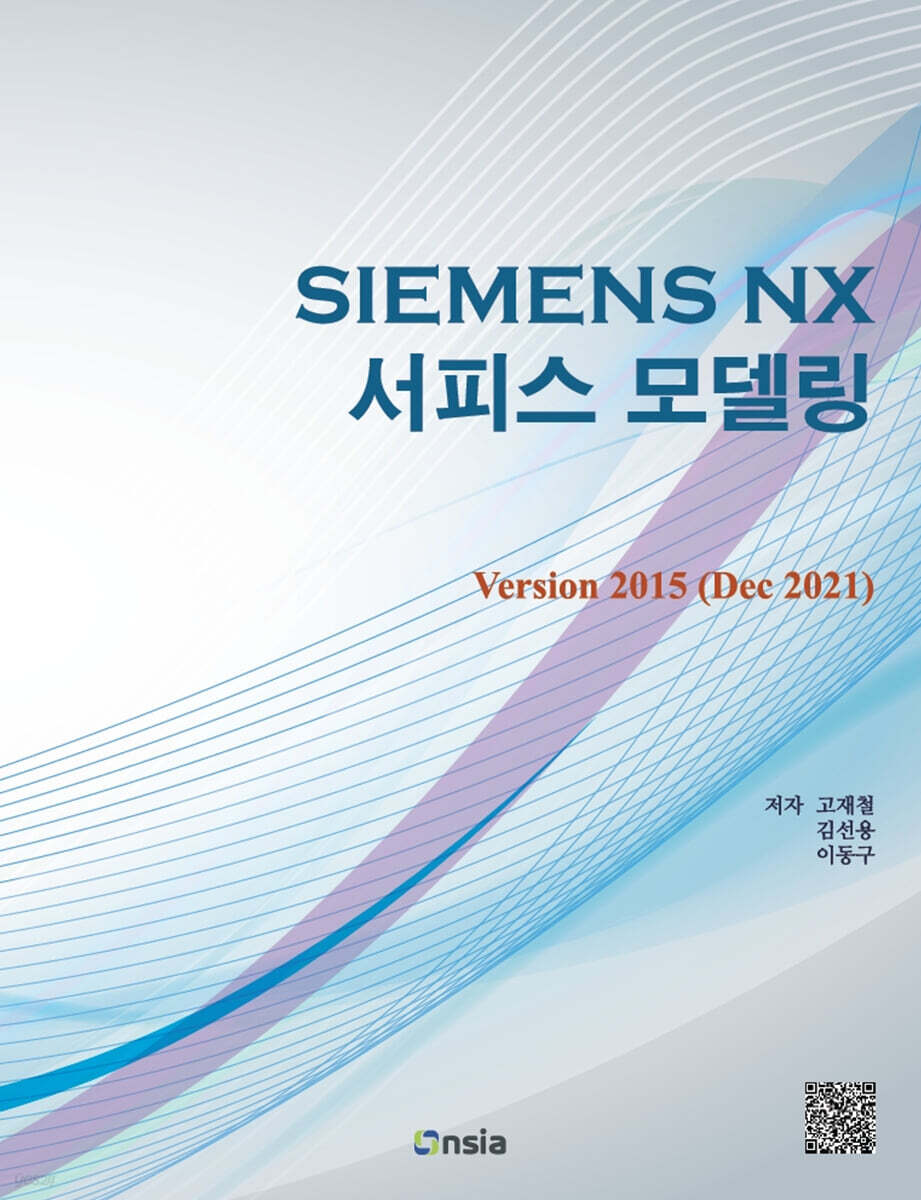
1.1 NX 버전 1.2 NX 시작하기 1.3 새 파트 생성하기 1.4 NX UI(User Interface, 사용자 인터페이스) 1.5 마우스 사용법 1.6 스케치와 모델 생성 1.6.1 스케치 생성 1.6.2 사각형 그리기 1.6.3 돌출 시키기 1.7 View 팝업 메뉴 1.8 형상 변경 하기 1.9 형상 추가하기 1.10 형상 제거하기 1.11 파일 관리 1.12 Customer Defaults 1.12.2 변경 사항 확인 및 삭제 1.12.1 Fit Percentage 1.13 User Interface 설정 1.13.1 단위창 위치 초기화 1.13.2 정보 메시지 초기화 Chapter 2 서피스 모델링 소개 2.1 서피스 모델링의 정의 2.2 오브젝트(Object) 2.3 시행 착오(trial & error) 2.4 서피스 모델링을 위한 가이드라인 2.5 서피스 모델링의 방식 2.6 레이어(Layer) 2.6.1 Category 2.6.2 Layer Control 2.6.3 레이어의 이동 및 복사 2.7 요약 Chapter 3 Ruled Surface 3.1 Ruled Surface 3.2 Ruled 기능의 옵션 3.2.1 Alignment 옵션 3.2.2 Settings 옵션 그룹 3.2.3 Reverse Direction과 Specify Origin Curve 3.2.4 Section을 선택하는 요령 3.2.5 Section으로 점 이용하기 3.3 추가 예제 3.4 요약 Chapter 4 Through Curves 4.1 Through Curves 4.2 Through Curves 기능의 옵션 4.2.1 Sections 4.2.2 Continuity 4.2.3 Constraint Face 4.2.4 바디 타입 4.2.5 Flow Direction 4.2.6 Output Surface Options 옵션과 Settings 옵션 4.3 추가 예제 4.4 요약 Chapter 5 Face Analysis 5.1 Face Analysis 기능 5.2 Reflection 5.2.1 Reflection 5.2.2 Image Type 5.2.3 Reflection 기능을 이용한 G0, G1 Continuity의 확인 5.3 Surface Continuity 5.3.1 Surface Continuity 대화상자 5.4 Examine Geometry 5.5 Section Anaysis 5.5.1 곡률반경(Radius of Curvature) 표시 5.5.2 Peak, Inflection, Length 표시 5.6 Draft Analysis 5.7 요약 Chapter 6 Through Curve Mesh 6.1 Through Curve Mesh 6.2 Primary Curve와 Cross Curve의 조건 6.3 Curve의 이용 6.4 Through Curve Mesh의 옵션 6.4.1 Spine 6.4.2 Emphasis 6.4.3 Continuity 6.5 추가 예제 6.6 요약 Chapter 7 Swept 7.1 Swept 7.2 Swept의 Section Options 이해 7.2.1 Guide 1 개와 Section 1 개의 경우 7.2.2 Guide 1 개와 Section 2 개 이상인 경우 7.2.3 Guide 2 개와 Section 1 개의 경우 7.2.4 Guide 2 개와 Section 2 개 이상의 경우 7.2.5 Guide 3 개와 Section 1 개의 경우 7.2.6 Guide 3 개와 Section 2 개 이상의 경우 7.2.7 상황별 옵션 요약 7.3 Orientation Method 옵션 7.3.1 Orientation Method의 결과 형상 비교 7.3.2 Orientation Method의 V Grid Line 비교 7.4 Scaling Method 옵션 7.4.1 Scaling Method의 결과 형상 비교 7.5 Spine 옵션 7.6 추가 예제 7.7 요약 Chapter 8 Studio Surface 8.1 Studio Surface 8.2 Through Curves의 대안으로서의 Studio Surface 8.3 Through Curve Mesh와 Swept 기능의 대안으로서의 Studio Surface Chapter 9 Variational Sweep 9.1 Variational Sweep(V-Sweep) 9.2 인접한 서피스와의 G1 연속성 9.3 V Sweep 서피스의 생성 가능 여부 확인 9.4 V Sweep 옵션 9.4.1 스케치 면의 위치 변경 9.4.2 Limits 설정 9.4.3 Secondary Section 9.5 Sketch 면의 Orientation 옵션 9.5.1 Normal to Path 9.5.2 Normal to Vector 9.5.3 Parallel to Vector 9.5.4 Through Axis 9.6 요약 Chapter 10 Curve 기능 10.1 Curve 기능 10.2 Helix 10.3 Text 10.4 Offset Curve 10.4.1 Distance 10.4.2 Draft 10.4.3 Law Control 10.4.4 3D Axial 10.5 Project Curve 10.6 Mirror Curve 10.7 Intersection Curve 10.8 Offset in Face 10.10 Isoparametric Curve 10.9 Composite Curve 10.11 Bridge 커브 10.12 Combined Projection 10.13 요약 Chapter 11 추가 모델링 기능 11.1 추가 모델링 기능 11.2 Trim and Extend (Make Corner Type) 11.3 Pattern Face 11.4 Law Extension 11.5 Face Blend 11.5.1 Section Orientation - Rolling Ball 11.5.2 Section Orientation - Swept Section 11.5.3 Width Method 옵션 11.5.4 Shape 옵션 11.6 Extend Sheet 11.7 Emboss 11.8 Trim Sheet 11.9 Tube 11.10 Offset Surface 11.11 Extract Geometry 11.12 요약 Chapter 12 종합 모델링 12.1 Door Knob 12.2 Bottle 2 12.3 no name 1 12.4 no name 2 12.5 no name 3 12.6 no name 4 12.7 Door Lock 12.8 Cup Holder 12.9 Propeller 1 12.10 Battery Case Cover 12.11 Bottle 1 12.12 Case Upper 1 12.13 Case Upper 2 12.14 Case Upper 3 12.15 Concent 12.16 Bottle 3 12.17 Interphone Upper 12.18 Stand Router Chapter 13 범퍼 스킨 모델링 13.1 개요 13.2 모델링 단계 요약 13.3 상세 모델링 13.3.1 파일 생성 및 이미지 불러오기 13.3.2 스케치 생성 13.3.3 커브 생성 13.3.4 곡면 생성 |
저자 소개 3
PLM(CAD/CAM/CAE) 분야의 교육, 컨설팅 및 출판을 중심으로 하는 (주)온솔루션인티그레이션의 대표이사이다. 개별 소프트웨어는 상호 유기적으로 연결되고, 고객의 필요에 맞게 새로운 기능들이 추가되어 효과적인 통합을 하는것이 PLM 분야의 나아가야 할 방향이라고 생각하는 그는 온/오프라인 교육과 출판을 중심으로 사람들을 만나고 있다.
고재철의 다른 상품
『NX 12 모델링 가이드』의 저자이다.
김선용의 다른 상품
관련 분류
- 카테고리 분류
품목정보
- 발행일
- 2022년 04월 25일
- 쪽수, 무게, 크기
- 436쪽 | 189*246*22mm
- ISBN13
- 9788994960340
사락 별점0
혜택 및 유의사항밑줄0
혜택 및 유의사항
27,000원
총 1개
27,000원
