
이미 소장하고 있다면 판매해 보세요.
- 국내배송만 가능
- 문화비소득공제 가능
책소개
목차
|
Chapter 1
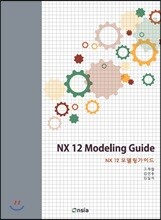
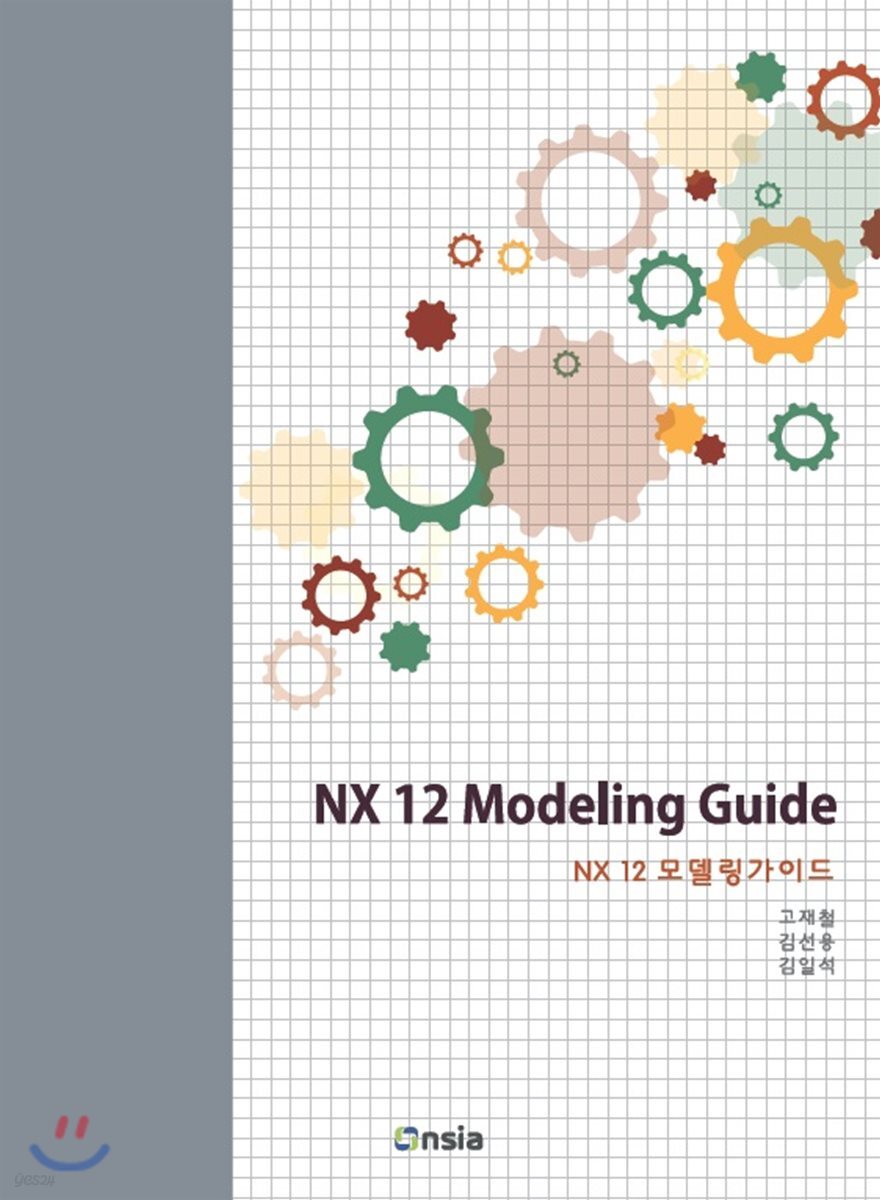
시작하기 1.1 NX 소개 1.2 NX 버전 1.3 NX 실행하기 1.4 NX UI(User Interface, 사용자 인터페이스) 1.5 Roles 1.6 마우스 사용법 1.7 View 팝업 메뉴 1.8 Customer Defaults 1.8.2 Distance Tolerance 1.8.1 Fit Percentage 1.8.3 Double Click Action for Sketches 1.8.4 Continuous Auto Dimensioning in Design Applications 1.8.5 변경 사항 확인 및 삭제 1.9 User Interface 설정 1.9.1 단위창 위치 초기화 1.9.2 정보 메시지 초기화 Chapter 2 모델링 개요 2.1 주요 용어 2.1.1 피쳐 기반 모델링 2.1.2 히스토리 기반 모델링 2.2 모델링 과정 개요 2.2.1 새 파일 만들기 2.2.2 첫 번째 스케치 그리기 (그림 2-3의 단계) 2.2.3 Extrude를 이용하여 돌출 형상 만들기 (그림 2-3의 단계) 2.2.4 두 번째 스케치 그리기 (그림 2-3의 단계) 2.2.5 Extrude를 이용하여 돌출 형상 만들기 (그림 2-3의 단계) 2.2.6 Edge Blend를 이용하여 필렛 형상 만들기 (그림 2-3의 단계) 2.2.7 Shell을 이용하여 살빼기 하기 (그림 2-3의 단계) 2.2.8 원통으로 잘라내기 (그림 2-3의 , 단계) 2.2.9 파일 저장 및 닫기 2.3 모델링 단계 요약 Chapter 3 스케치 (Sketch) 3.1 스케치(Sketch)의 정의 3.2 스케치 생성 Exercise 01 3.3 스케치 피쳐 삭제하기 3.4 스케치 순서 3.4.1 스케치 면 정의 3.4.2 커브 생성 3.4.3 구속 3.4.4 스케치 종료 3.5 커브 생성 3.5.1 직선(Line) 3.5.2 직선의 구성 요소 3.5.3 원(Circle) 3.5.4 호(Arc) 3.6 Snap Point 옵션 Exercise 02 3.7 선의 드래그 Exercise 03 3.8 스케치 커브의 구속(Constraint) 3.8.1 치수 구속 (Dimensional Constraint) 3.8.2 기하 구속(Geometric Constraint) 3.8.3 대칭 구속 (Make Symmetric) 3.9 스케치 커브의 구속 상태 3.10 드래그하여 구속 상태 확인하기 3.11 Open in Sketch Task Environment Exercise 04 3.12 스케치 개체 삭제 및 치수 수정 3.12.1 스케치 치수 수정 Exercise 05 3.12.2 Sketch 개체 삭제 Exercise 06 Exercise 07 3.13 기타 스케치 기능 3.13.1 Quick Trim 3.13.2 Fillet 3.13.3 Mirror Curve Exercise 08 3.14 완전 구속의 올바른 이해 3.14.1 잘못된 완전구속의 예 1 3.14.2 잘못된 완전구속의 예 2 3.14.3 완전구속 가이드라인 Exercise 09 Exercise 10 Exercise 11 Exercise 12 Exercise 13 3.15 참조치수와 참조선 Exercise 14 3.16 자동 치수의 이해 Exercise 15 Exercise 16 Exercise 17 Exercise 18 Chapter 4 3차원 형상 생성 기능 4.1 Extrude 기능 4.2 섹션 (Section) 4.2.1 솔리드 바디를 생성하기 위한 섹션의 조건 4.2.2 부적합한 섹션 4.3 선택 의도 (Selection Intent) 4.3.1 Curve Rule (곡선 규칙) 4.3.2 Stop at Intersection 4.3.3 Follow Fillet 4.3.4 Chain within Feature Exercise 01 4.4 Boolean 옵션 4.4.1 Unite 4.4.2 Subtract 4.4.3 Intersect 4.4.4 None 4.4.5 바디간의 불리언 작업 Exercise 02 4.5 스케치 좌표계 4.6 Extrude의 Direction 옵션 4.7 Limit 옵션 4.7.1 Symmetric Value 4.7.2 Until Next 4.7.3 Until Selected 4.7.4 Until Extended 4.7.5 Through All 4.8 Extrude의 다른 옵션 4.8.1 Draft 4.8.2 Offset 4.8.3 Open Profile Smart Volume Exercise 03 Exercise 04 Exercise 05 4.9 오브젝트의 색상 바꾸기 4.10 회전 형상 만들기(Revolve) 4.10.1 Revolve의 섹션과 축 4.11 구멍 뚫기 4.11.1 General Type Hole 4.11.2 Threaded Type Hole Exercise 06 Exercise 07 4.12 Design Feature 4.12.1 Block 4.12.2 Cylinder 4.12.3 Cone 4.12.4 Sphere Exercise 08 Exercise 09 Exercise 10 Exercise 11 Exercise 12 Exercise 13 Exercise 14 Exercise 15 Chapter 5 데이텀 (Datum) 5.1 데이텀이란? 5.2 데이텀 평면(Datum Plane) 5.2.1 데이텀 평면의 용도 Exercise 01 5.2.2 데이텀 평면의 타입 Exercise 02 Exercise 03 Exercise 04 Exercise 05 Exercise 06 5.3 점 (Point) 5.3.1 Output Coordinates 5.3.2 Offset 5.3.3 Associative 옵션 5.4 데이텀 축(Datum Axis) 5.4.1 데이텀 축의 특징 5.4.2 데이텀 축의 용도 5.4.3 데이텀 축의 타입 Exercise 07 5.5 데이텀 좌표계 Exercise 08 Exercise 09 Exercise 10 Exercise 11 Exercise 12 Exercise 13 Exercise 14 Chapter 6 추가 모델링 기능 I 6.1 상세 모델링 6.2 Edge Blend 6.2.1 Edge Blend의 종류 Exercise 01 Exercise 02 6.2.2 Shape 옵션 Exercise 03 6.2.3 블렌드 생성 가이드 라인 Exercise 04 Exercise 05 Exercise 06 Exercise 07 Exercise 08 6.3 Chamfer 6.3.1 기능 사용 절차 6.3.2 Cross Section 옵션 6.3.3 Offset Method 6.4 Draft 6.4.1 Draft Type Exercise 09 Exercise 10 Exercise 11 Exercise 12 6.4.2 Draft의 기타 옵션 6.5 Shell 6.5.1 Reverse Direction 6.5.2 Alternate Thickness 옵션 Exercise 13 Exercise 14 Exercise 15 Exercise 16 Exercise 17 Exercise 18 Chapter 7 모델 수정 7.1 모델 수정의 이해 7.1.1 피쳐의 Parents - Children 관계 7.1.2 피쳐의 삭제 7.2 Sketch 수정 Exercise 01 7.2.1 스케치 면 변경 7.3 Feature 삽입 (Make Current Feature) Exercise 02 7.4 Feature Definition 수정 7.4.1 선택한 개체 변경 Exercise 03 Exercise 04 7.5 Feature의 순서 변경 (Reorder) Exercise 05 Exercise 06 Exercise 07 Exercise 08 Chapter 8 피쳐 및 오브젝트의 복사 8.1 피쳐, 오브젝트를 복사하는 방법의 장점 8.2 복사의 대상과 방법 8.2.1 복사의 대상 8.2.2 복사 방법 8.3 Pattern Feature 8.3.1 Linear 타입 Exercise 01 Exercise 02 8.3.2 Pattern Feature 기능 사용시 주의 사항 Exercise 03 8.3.3 Circular 타입 Exercise 04 Exercise 05 8.3.4 General 타입 8.4 Mirror Feature 8.5 지오메트리의 복사 8.5.1 Mirror Geometry 8.5.2 Pattern Geometry Exercise 06 8.6 Face의 복사 Exercise 07 8.7 피쳐의 복사/붙여넣기 Exercise 08 Exercise 09 Exercise 10 Exercise 11 Exercise 12 Chapter 9 추가 모델링 기능 II 9.1 Trim Body 9.1.1 기능 사용 절차 Exercise 01 Exercise 02 9.2 Tube 9.2.1 기능 사용 절차 9.2.2 Output 옵션 9.3 Sweep along Guide 9.3.1 기능 사용 절차 Exercise 03 9.4 Swept Exercise 04 Exercise 05 9.5 Emboss 9.6 Synchronous Modeling 9.6.1 Move Face Exercise 06 9.6.2 Resize Blend Exercise 07 Exercise 08 9.6.3 Delete Face Exercise 09 9.6.4 Copy Face 9.6.5 Make Coplanar Exercise 10 9.6.6 Linear Dimension Exercise 11 Exercise 12 9.6.7 Radial Dimension Exercise 13 Exercise 14 Exercise 15 Chapter 10 스케치 고급 10.1 Intersection Point 10.1.1 Intersection Point 실행 방법 10.1.2 Intersection Point 대화상자 Exercise 01 10.2 Intersection Curve 10.2.1 Intersection Curve 실행 방법 10.2.2 Intersection Curve 대화상자 Exercise 02 10.3 Project Curve 10.3.1 Project Curve 실행 방법 Exercise 03 10.3.2 Project Curve 대화상자 Exercise 04 10.4 Offset Curve 10.4.1 Offset Curve 기능 실행 방법 10.4.2 Offset Curve 대화상자 Exercise 05 Exercise 06 Exercise 07 Chapter 11 측정 기능 11.1 Measure Distance 11.1.1 Measure Distance 대화상자 11.1.2 Distance 타입 Exercise 01 Exercise 02 11.1.3 Projected Distance 타입 11.1.4 Length 타입 11.1.5 Radius 타입 11.2 Measure Angle 11.1.6 Diameter 타입 11.3 Simple Distance Exercise 03 11.4 Simple Angle 11.5 Measure Bodies 11.5.1 Measure Bodies 아이콘 11.5.2 Measure Bodies 대화상자 Exercise 04 11.5.3 상세 물성치 Exercise 05 Chapter 12 어셈블리 I (Bottom-Up Assembly) 12.1 어셈블리의 이해 12.2 용어 12.2.1 컴포넌트(Component) 12.2.2 마스터 파트(Master Part) 12.2.3 서브 어셈블리(Sub-assembly) 12.2.4 BOM(Bill of Material) 12.2.5 Bottom-Up 어셈블리 모델링 12.2.6 Top-Down 어셈블리 모델링 12.3 어셈블리 모델링의 주요 기능 12.4 어셈블리 생성 12.4.1 어셈블리 파일 생성 Exercise 01 12.4.2 어셈블리 환경 Exercise 02 12.4.3 컴포넌트 추가 12.4.4 어셈블리 파일의 저장 12.4.5 파일 닫기 12.4.6 파일 열기 Exercise 03 12.4.7 Assembly Navigator의 이용 12.4.8 컴포넌트의 이동과 회전 Exercise 04 Exercise 05 12.4.9 컴포넌트의 복사 12.5 어셈블리의 구속 12.5.1 Fix 구속 12.5.2 Touch/Align 구속 Exercise 06 12.5.3 Center 구속 Exercise 07 12.5.4 Concentric 구속 12.5.5 기타 구속 12.5.6 구속의 상태 확인 12.5.7 Show and Hide Constraints 12.5.8 구속조건 억제시키기 12.6 Reference Set Exercise 08 Exercise 09 Exercise 10 Chapter 13 어셈블리 II (Top-Down Assembly) 13.1 Context Control 13.1.1 컴포넌트 닫기 13.1.2 컴포넌트 열기 13.1.3 Make Work Part 13.1.4 Open in Window Exercise 01 13.2 간섭 체크 13.2.1 간섭의 타입 Exercise 02 13.3 다른 컴포넌트의 형상을 이용한 모델링 13.3.1 Interpart Link 13.3.2 Selection Scope Exercise 03 Exercise 04 13.4 새로운 컴포넌트 생성하기 (새로운 파트와 서브 어셈블리) Exercise 05 Exercise 06 13.5 어셈블리의 분해 Exercise 07 13.6 기타 어셈블리 기능 13.6.1 어셈블리의 화면 표시 13.6.2 단면 표시 Exercise 08 13.6.3 어셈블리의 질량 측정 Exercise 09 Exercise 10 Chapter 14 도면생성 (Part I) 14.1 개요 14.2 주요 용어 14.2.1 도면뷰(Drawing View) 14.2.2 표제란(Title Block) 14.2.3 도면 시트(Drawing Sheet) 14.3 도면 파일 14.3.1 도면 파일 생성하기 14.3.2 도면 화면의 이해 14.3.3 도면 파일 저장 14.4 도면 시트 14.4.1 도면 시트 생성 14.4.2 도면 시트 설정 14.5 도면 뷰(Drawing View) 14.5.1 기본뷰 (Base View) 14.5.2 투영도 (Projected View) Exercise 01 14.5.3 뷰의 스타일 설정 14.5.4 단면도 (Section View) Exercise 02 Exercise 03 14.5.5 상세도 (Detail View) 14.5.6 부분 단면도(Break-out Section View) 14.5.7 절단뷰(Break View) Exercise 04 14.6 View Dependent Edit 14.7 View Boundary 변경 14.8 모델의 형상과 방향 수정 Exercise 05 Chapter 15 도면생성 (Part II) 15.1 도면 생성 절차 15.2 치수(Dimension) 기입 15.2.1 치수 팝업 메뉴 15.2.2 치수 보조선 팝업 메뉴 15.2.3 치수선 팝업 메뉴 15.2.4 Linear Dimension 15.2.5 Radial Dimension 15.2.6 Angular Dimension 15.2.7 옵션의 종류 15.2.8 설정의 상속 15.3 치수를 생성한 후의 설정 변경 15.3.1 Dimension 대화상자 15.3.2 팝업툴바 15.3.3 팝업메뉴 15.4 Drafting Preferences 15.5 치수의 정렬 Exercise 01 Exercise 02 15.6 주석(Note) 기입 15.6.1 Note 수정 15.6.2 다중 지시 Note 15.7 중심선 15.7.1 Center Mark 15.7.2 Bolt Circle Centerline 15.7.3 2D Centerline 15.7.4 3D Centerline 15.7.5 Offset Center Point Symbol 15.8 교차기호(Intersection Symbol) Exercise 03 Exercise 04 Exercise 05 15.9 어셈블리 도면 15.9.1 도면 뷰에서 특정 컴포넌트 제외 시키기 Exercise 06 15.9.2 어셈블리의 부분단면도 Exercise 07 15.9.3 분해도 Exercise 08 Appendix A 개체의 선택 A.1 대화상자의 선택 단계 A.2 선택한 개체의 수 A.3 Type Filter A.4 점, 선, 면의 선택 A.4.1 Snap Point 옵션 A.4.2 Curve Rule A.4.3 Face Rule A.5 선택의 취소 A.5.1 모두 선택 취소할 때 A.5.2 일부만 선택 취소할 때 A.6 상세 필터링 A.7 선택 범주 A.8 선택의 우선 순위 A.9 QuickPick |
저자 소개 3
PLM(CAD/CAM/CAE) 분야의 교육, 컨설팅 및 출판을 중심으로 하는 (주)온솔루션인티그레이션의 대표이사이다. 개별 소프트웨어는 상호 유기적으로 연결되고, 고객의 필요에 맞게 새로운 기능들이 추가되어 효과적인 통합을 하는것이 PLM 분야의 나아가야 할 방향이라고 생각하는 그는 온/오프라인 교육과 출판을 중심으로 사람들을 만나고 있다.
고재철의 다른 상품
-
Siemens NX 서피스 모델링 Version 2015 (Dec 2021) 이동Siemens NX 서피스 모델링 Version 2015 (Dec 2021)27,000원 10%

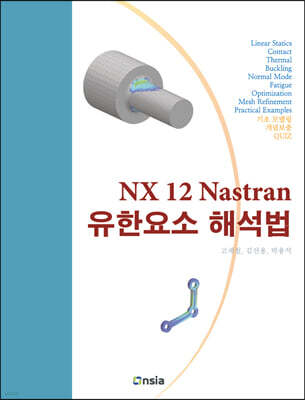
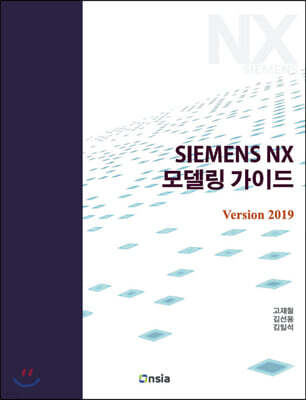
『NX 12 모델링 가이드』의 저자이다.
김선용의 다른 상품
-
Siemens NX 서피스 모델링 Version 2015 (Dec 2021) 이동Siemens NX 서피스 모델링 Version 2015 (Dec 2021)27,000원 10%
『NX 12 모델링 가이드』의 저자이다.
김일석의 다른 상품
관련 분류
- 카테고리 분류
품목정보
- 발행일
- 2018년 10월 22일
- 쪽수, 무게, 크기
- 664쪽 | 188*257*35mm
- ISBN13
- 9788994960296
사락 별점0
혜택 및 유의사항밑줄0
혜택 및 유의사항
27,000원
총 1개
27,000원
